


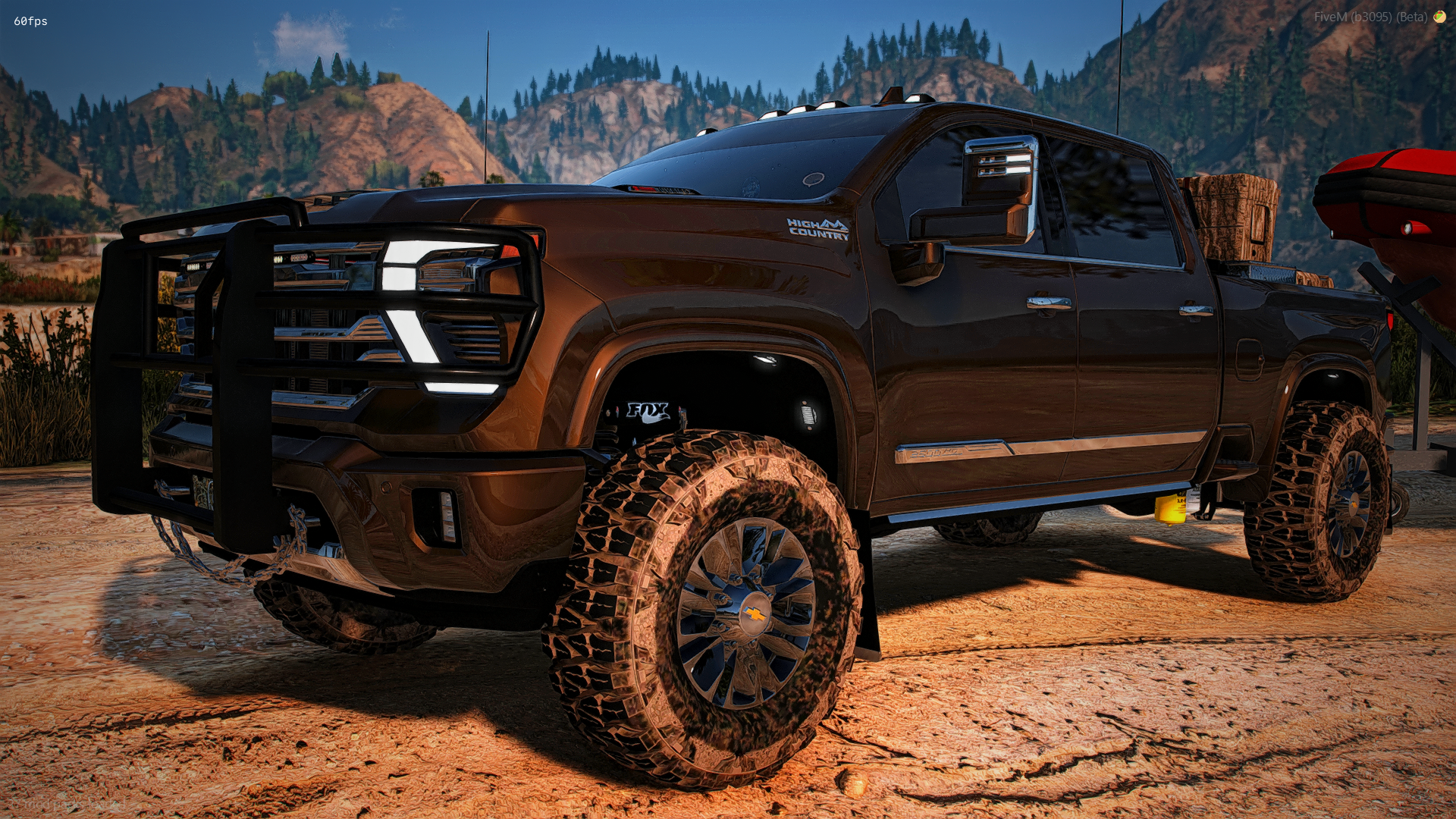
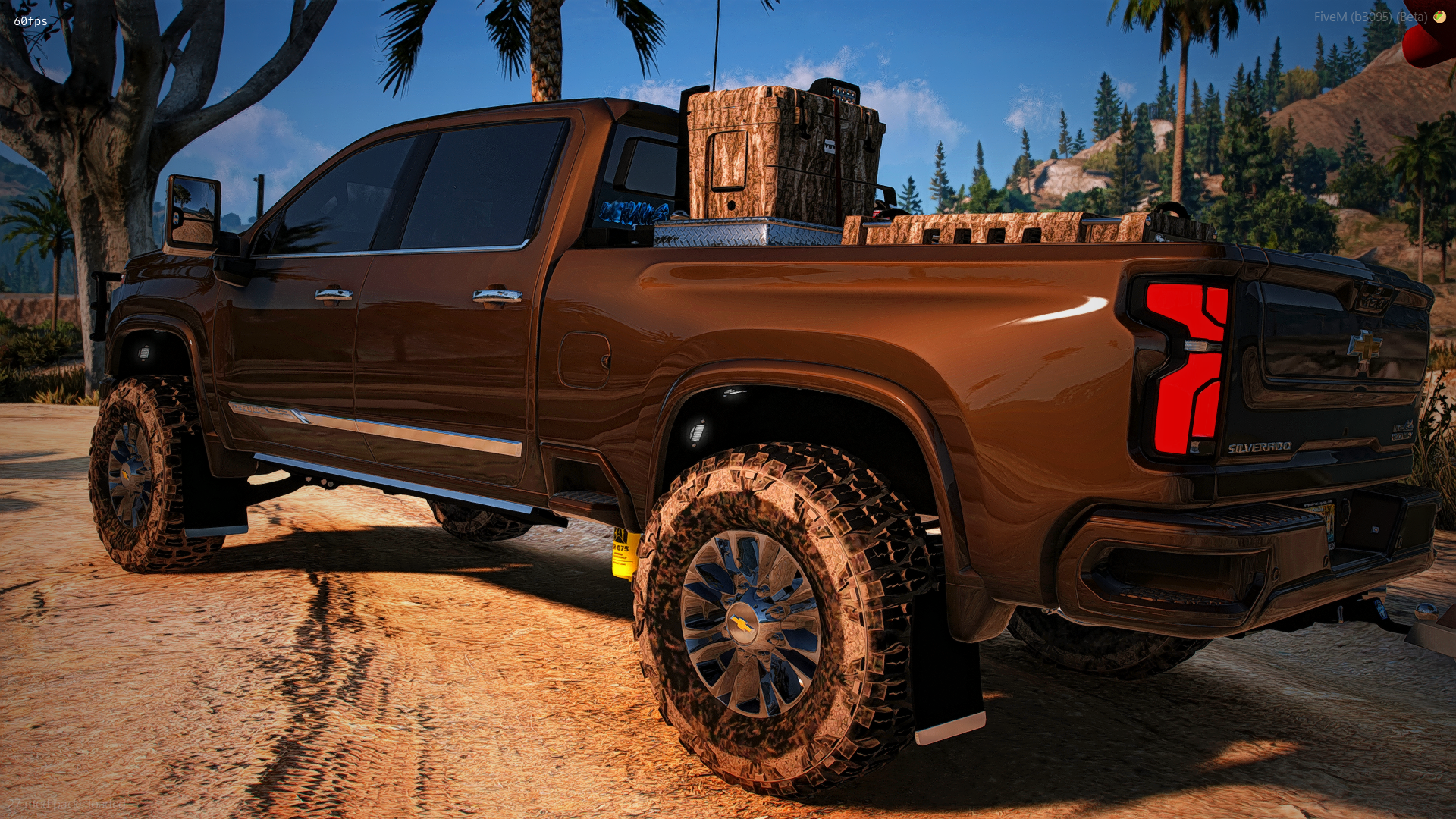
2025 Chevrolet High Country
FEATURES
Animated roll down windows
Animated sliding rear glass
Animated amp steps (also an extra to be taken off)
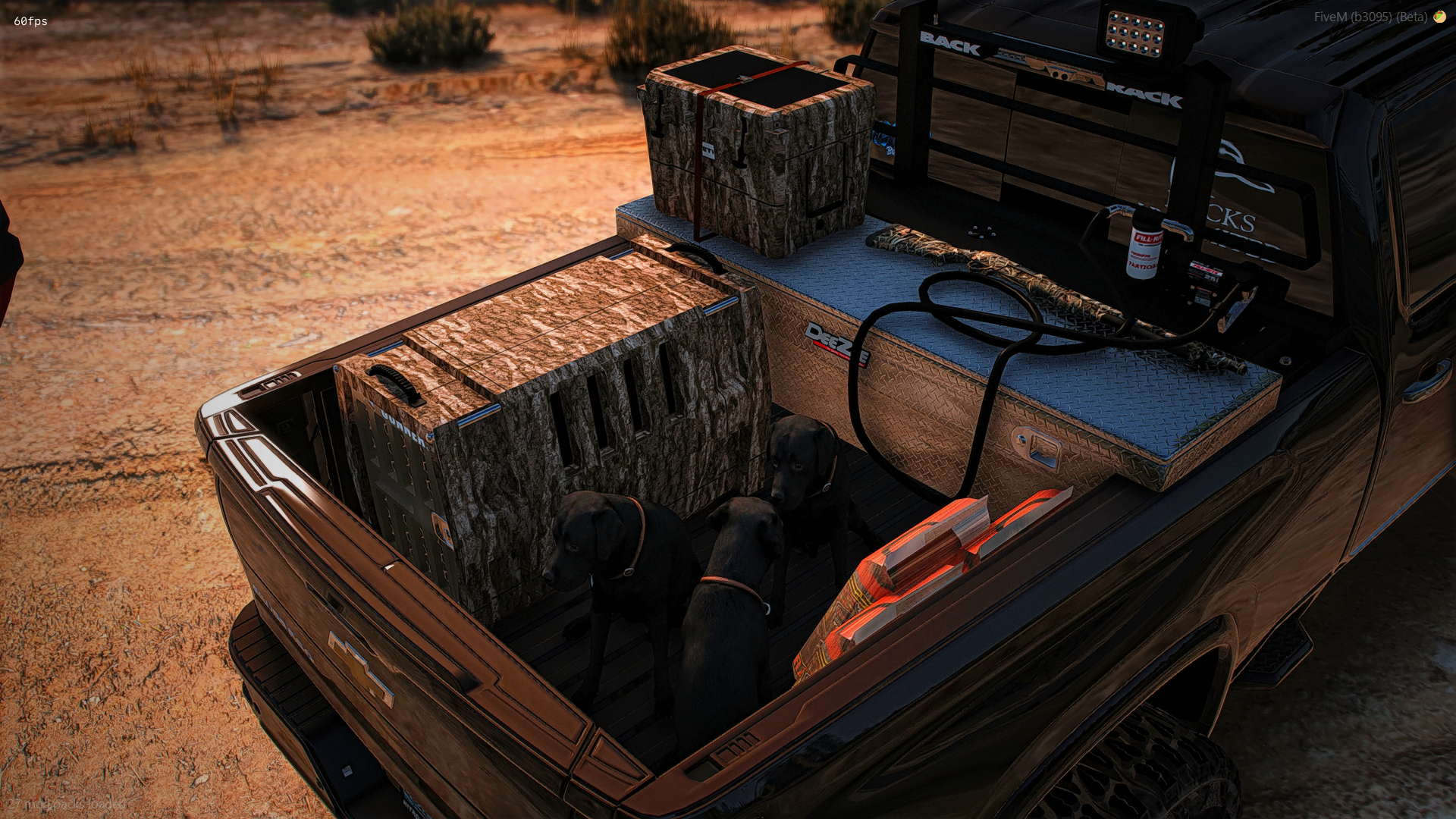
Max extras (12) with a body kit full of bed props and the back rack separate!
Flashing strobe light metas with flashing amber strobes in the grill
Bumper pull hitch for all them boat trailers
Moving air freshener and antenna
Everything is removeable including ranch hand, bed extras etc. etc.
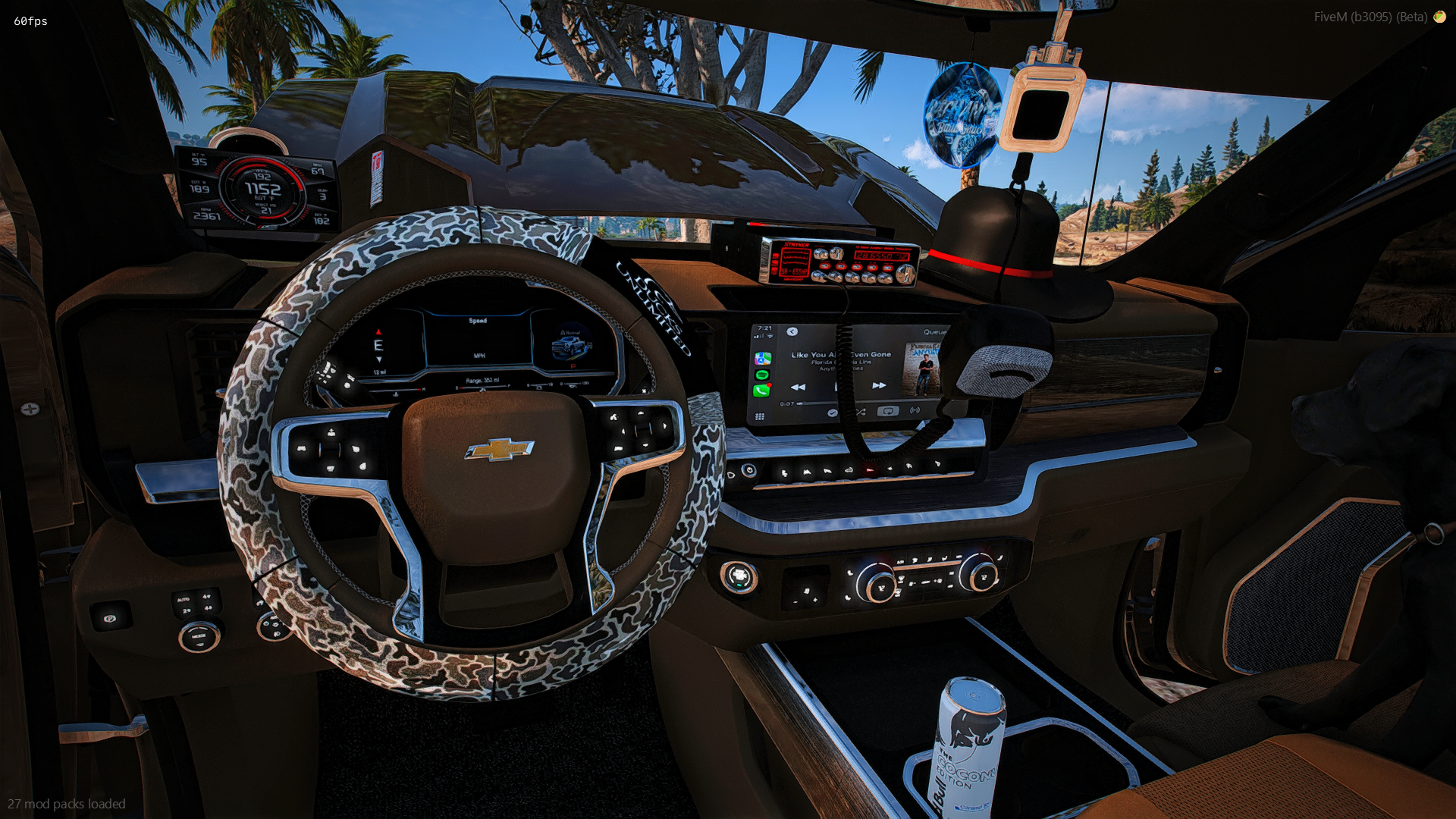
2 Different stereo options (one under the Florida Georgia line one is the stock one)
Puffs coal without needing a script
Drives awesome, super realistic
EXTRAS
Ranch hand/brush guard
Amp steps (Animated steps still work once extra is turned on)
Mud flaps
Real-tree Ducks unlimited front plate
Chain on front tow hooks
Turtle box on center console
Amber grill strobe lights
Starlight headliner
Camo gun hung on back seat
Miller Lite beer box in back seat
Florida Georgia Line apple CarPlay stereo
Stickers on back window
Tuner
BODY KITS
Bed extras (3 Hunting dogs, Gunner camo dog kennel, Camo yeti, Transfer tank, DeeZee toolbox, Camo shotgun, and Deer feed)
Back rack, CB Antenna, and Go light