


Skip to content
View in the app

A better way to browse. Learn more.

South Carolina Network Roleplay

A full-screen app on your home screen with push notifications, badges and more.

To install this app on iOS and iPadOS
  1. Tap the Share icon in Safari
  2. Scroll the menu and tap Add to Home Screen.
  3. Tap Add in the top-right corner.
To install this app on Android
  1. Tap the 3-dot menu (⋮) in the top-right corner of the browser.
  2. Tap Add to Home screen or Install app.
  3. Confirm by tapping Install.
SCNRP Realistic roleplay • Professional community

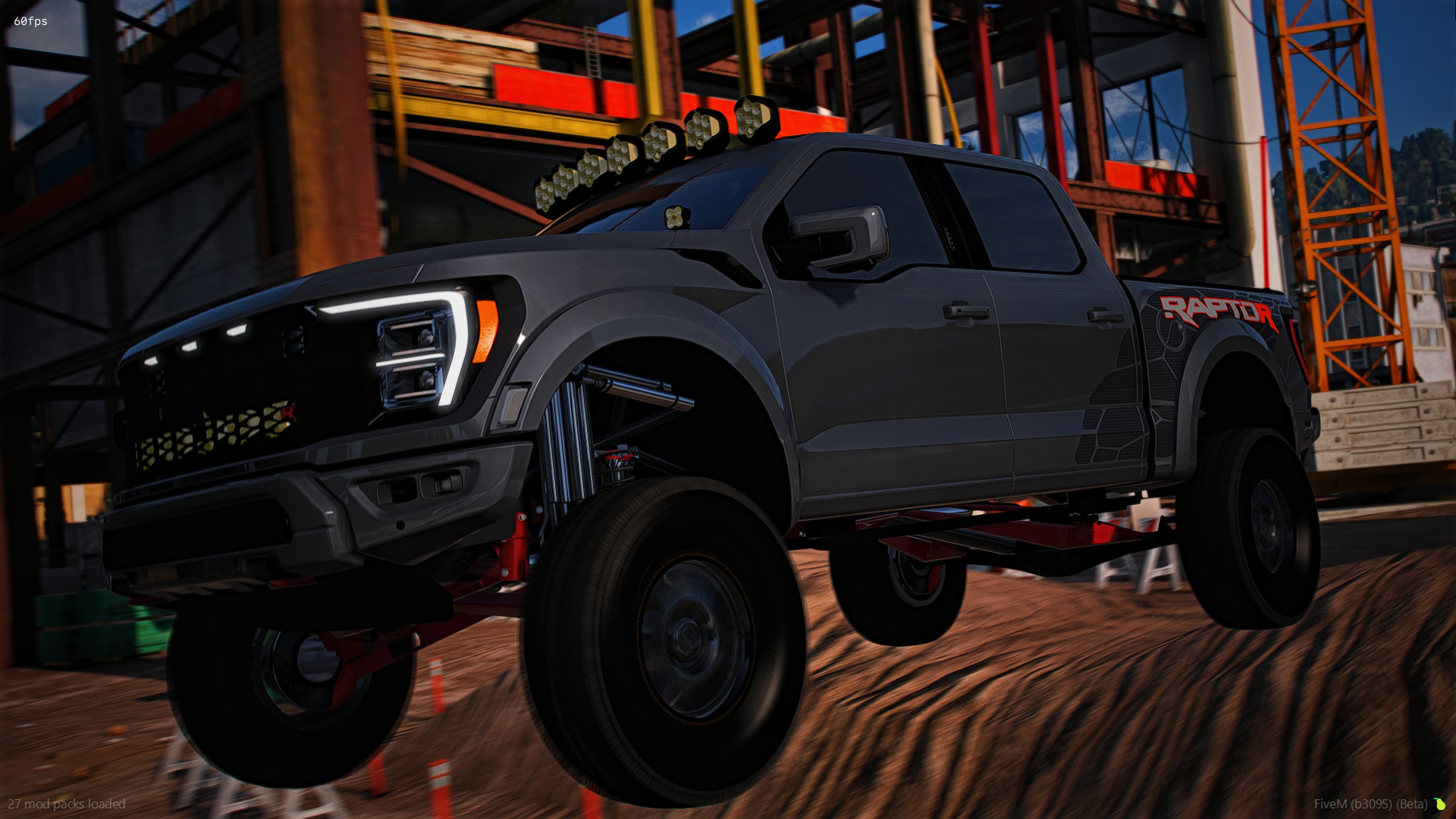
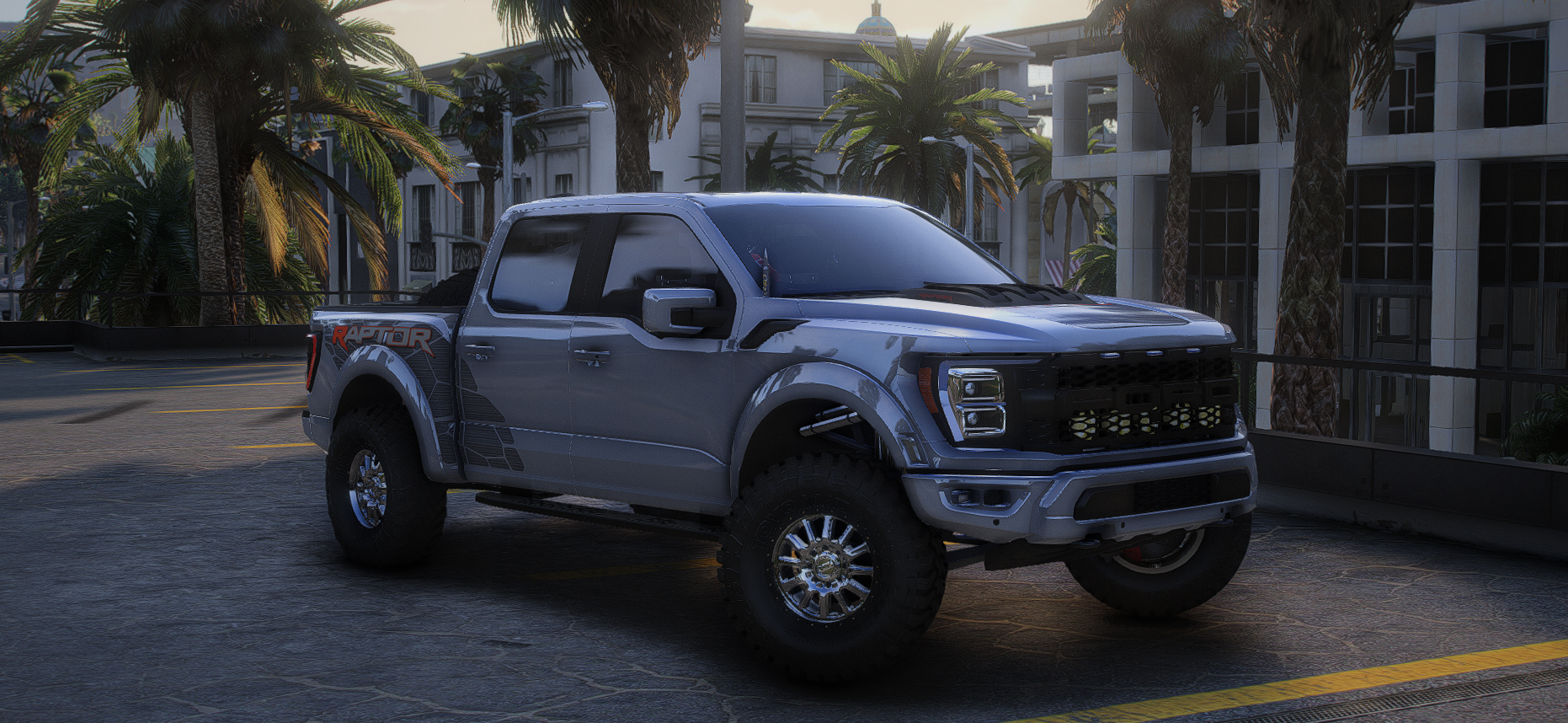
2025 Ford Raptor R

$15

FEATURES

  • Animated roll down windows

  • Fully functional long travel suspension that rides and jumps like it would irl (soft)

  • Max extras (and spare tires in the bed are a body kit

  • Comes with a sweet default gta sound (cammed v8)

  • Both rear whips move and are are removable (also light up and change color)

  • Exhaust shakes at idle

  • Everything is removable (all lights still work as they should)

  • Very very highly detailed color changing interior (yes all all the buttons and gauges light up)

  • Bumper pull hitch

  • 1 of 1 Custom wheels and tires

  • Lights and everything change color

  • Super super fun to drive both offroad and on road!


EXTRAS

  • Livery on the hood

  • Livery on the doors

  • Livery on the bed

  • Yellow lights across the windshield

  • Yellow lights behind the grill

  • Baja designs lights on the fenders

  • Both rear light up whips (they both move)

  • Side steps

  • Painted sun strip on the windshield

  • My sticker on the back window


IN-GAME ACCESS ONLY!

Important Information

Terms of Use

Account

Navigation

Search

Search

Configure browser push notifications

Chrome (Android)
  1. Tap the lock icon next to the address bar.
  2. Tap Permissions → Notifications.
  3. Adjust your preference.
Chrome (Desktop)
  1. Click the padlock icon in the address bar.
  2. Select Site settings.
  3. Find Notifications and adjust your preference.