
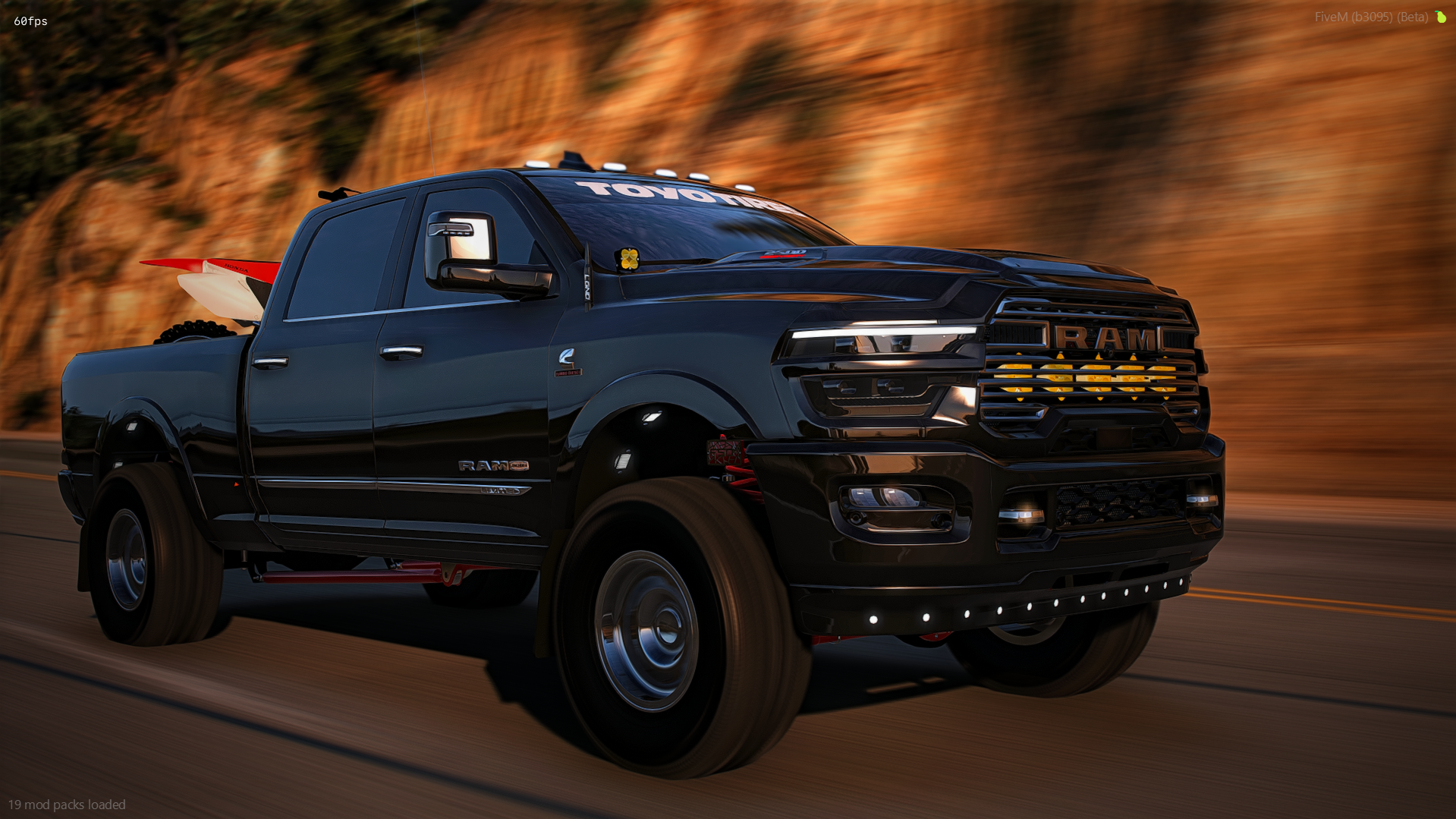
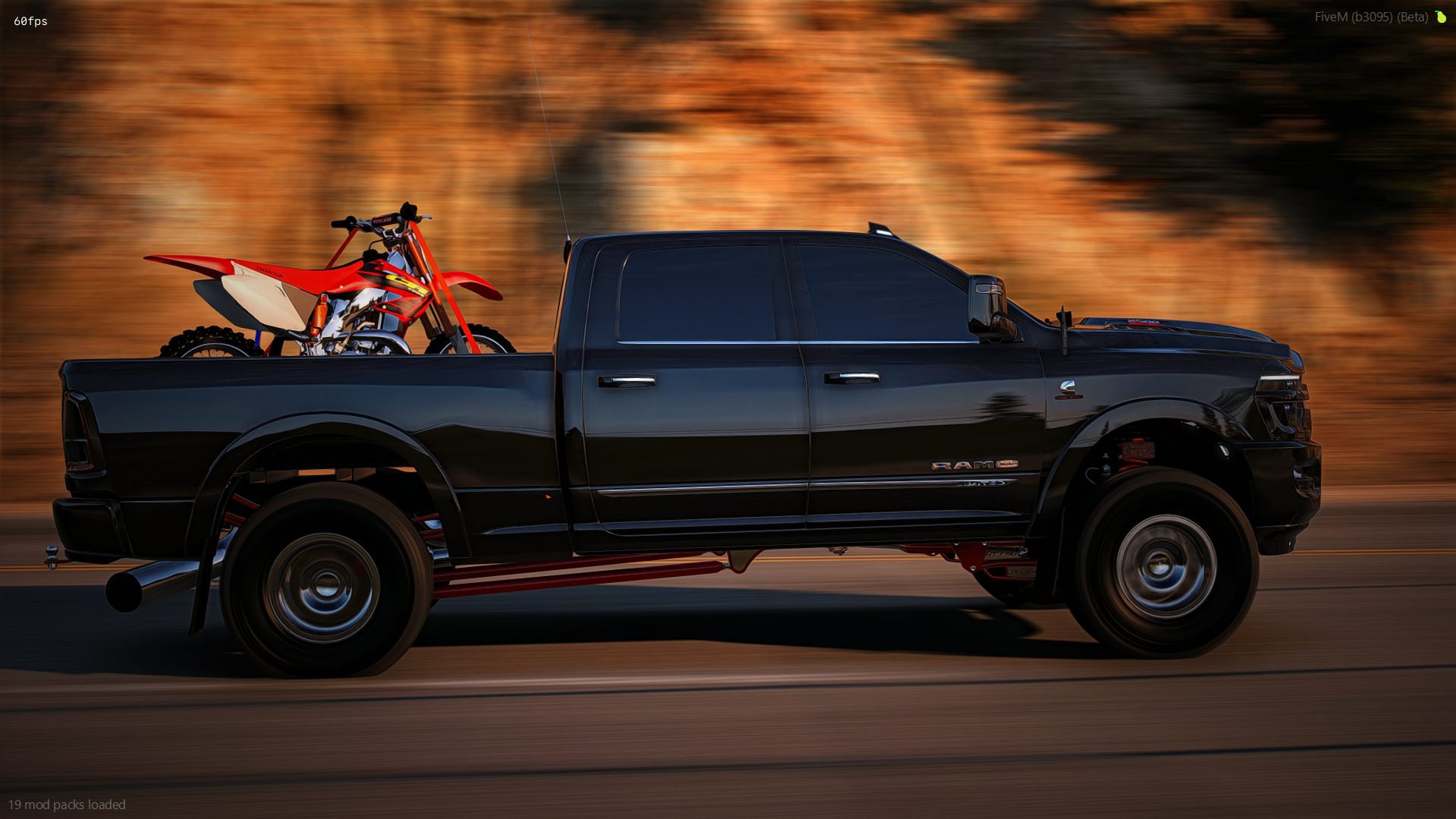
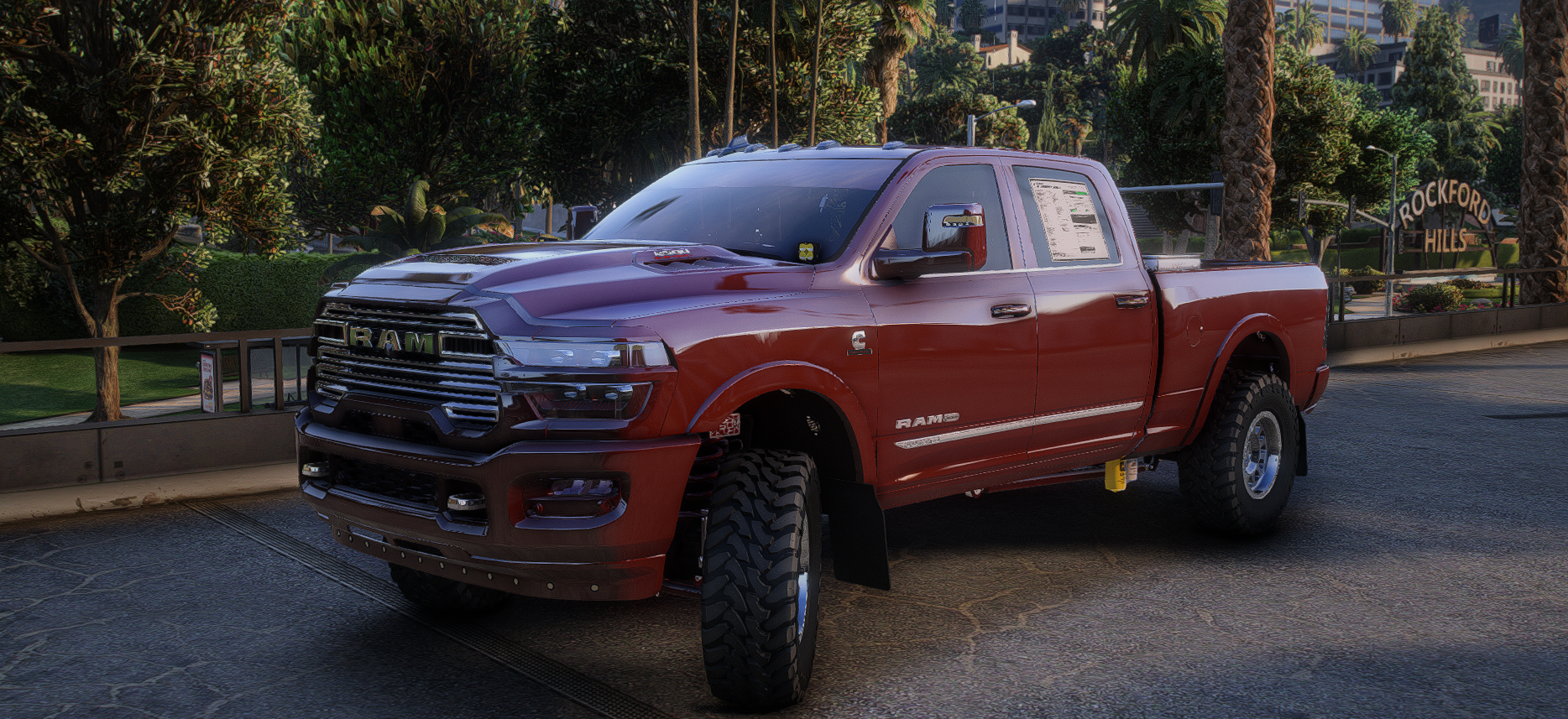
2024 RAM 2500 Desert Edition
FEATURES
Animated roll down windows
11 removable extras
Chrome or paint matched front end (body kitted)
Chrome or paint matched rear bumper (body kitted)
Optional dirt bike or race quad bed setup (body kitted)
Working rear license plate (Text and style actually changes)
Very detailed truck with all the bells and whistles
Suspension all works and flexes like it should
Yellow lights actually light up yellow
Headlights are super bright when turning on high beams to replicate the pods and baja lights
All interior lights, gauges and screens light up as they should
Moving air freshener
Exhaust shakes at idle and when revving
Moving antenna on the 3rd brake light (removable)
Bumper pull hitch
Rolls coal without needing a script
All bed props are removeable
EXTRAS
Mud flaps
Toyo Tires banner
Yellow lights behind grill
Yellow Baja designs pod lights on the fenders
Antenna on the 3rd brake light
DeeZee polished toolbox
Sticker on the back glass
Dealer window sticker on the back door
Emblems on the tailgate
Stereo screen (has stock one underneath if you'd prefer it)
Changeable license plate (reveals vanity plate underneath)
IN-GAME ACCESS ONLY!