


Skip to content
View in the app

A better way to browse. Learn more.

South Carolina Network Roleplay

A full-screen app on your home screen with push notifications, badges and more.

To install this app on iOS and iPadOS
  1. Tap the Share icon in Safari
  2. Scroll the menu and tap Add to Home Screen.
  3. Tap Add in the top-right corner.
To install this app on Android
  1. Tap the 3-dot menu (⋮) in the top-right corner of the browser.
  2. Tap Add to Home screen or Install app.
  3. Confirm by tapping Install.
SCNRP Realistic roleplay • Professional community

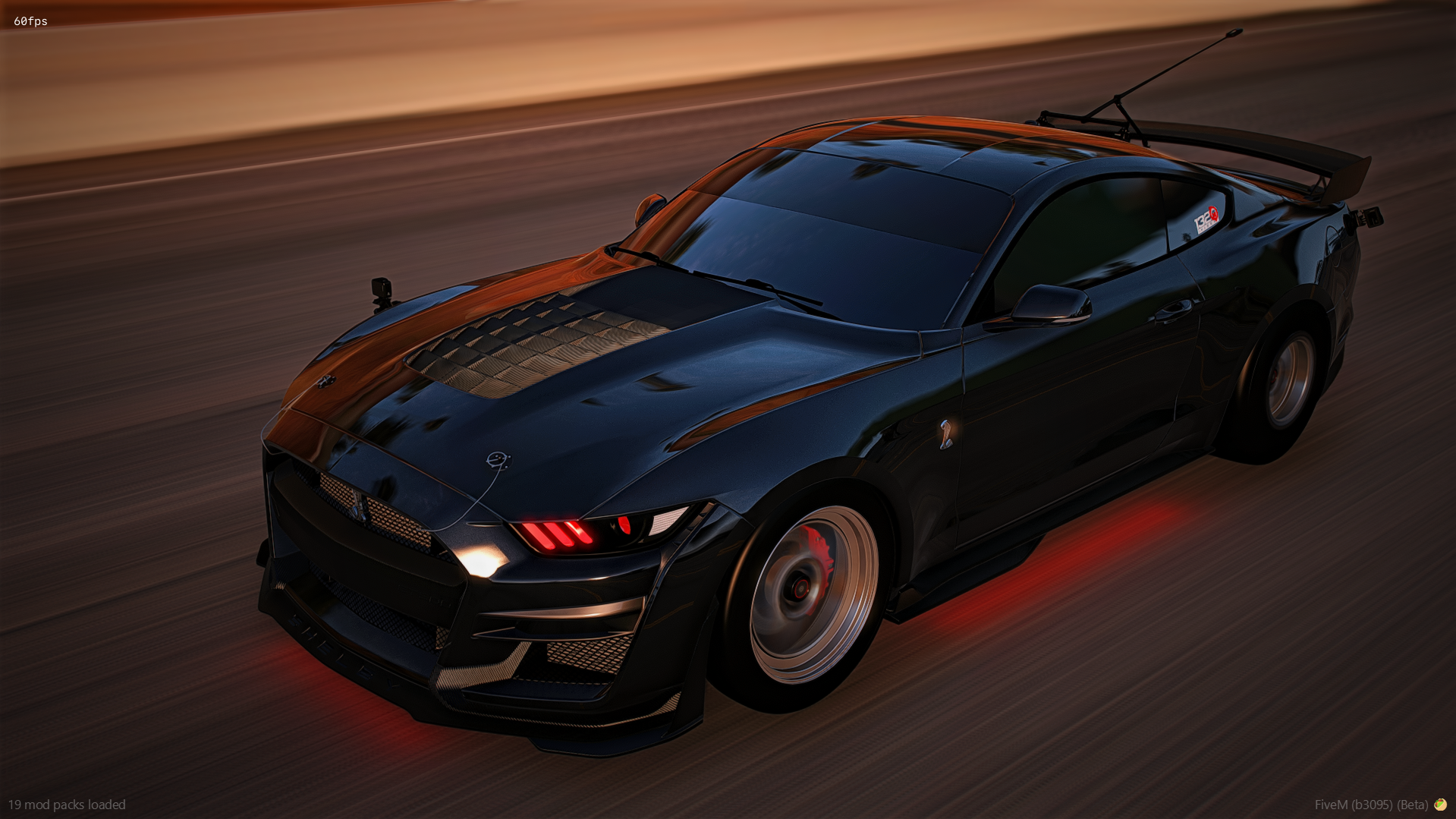
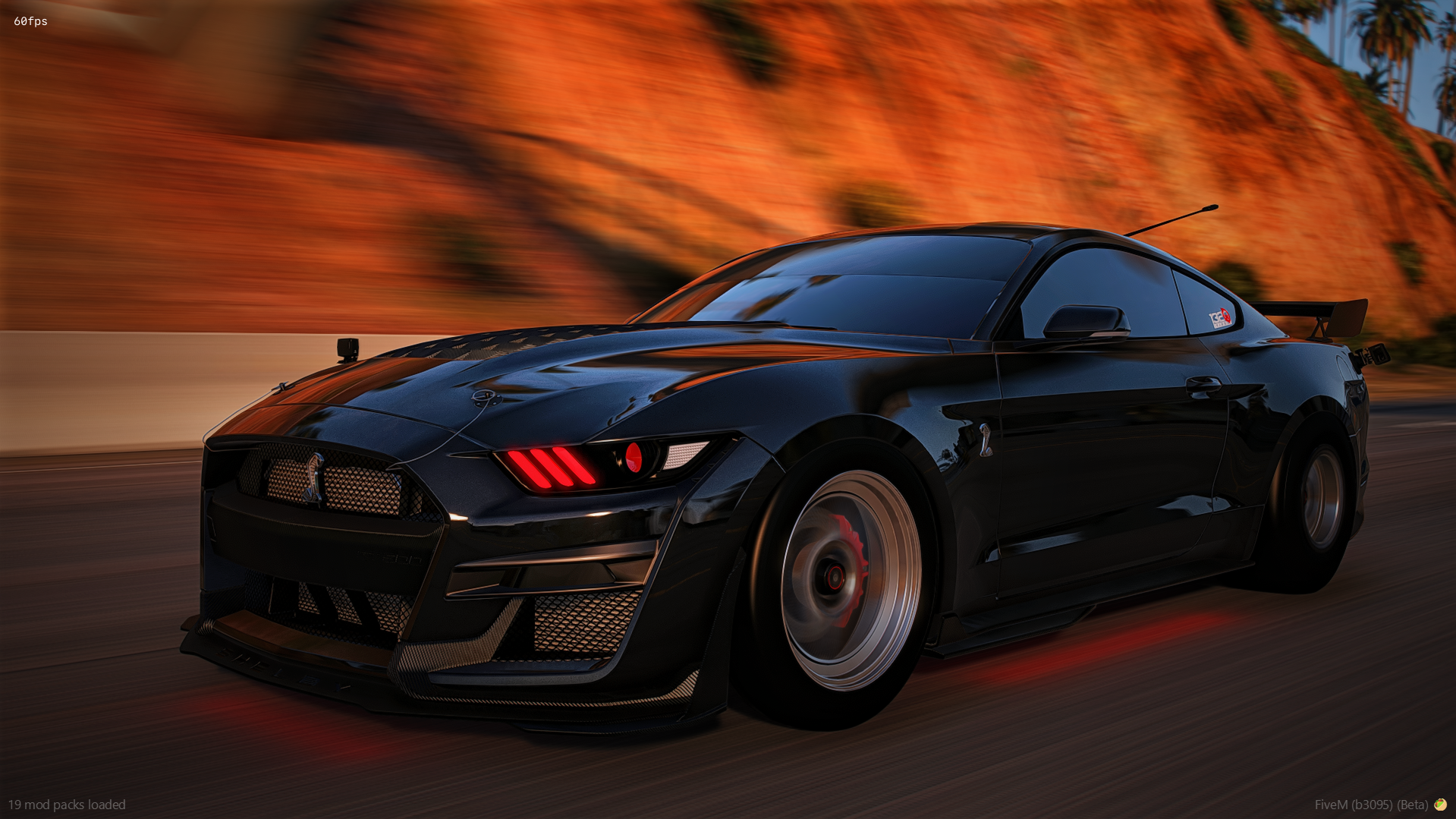
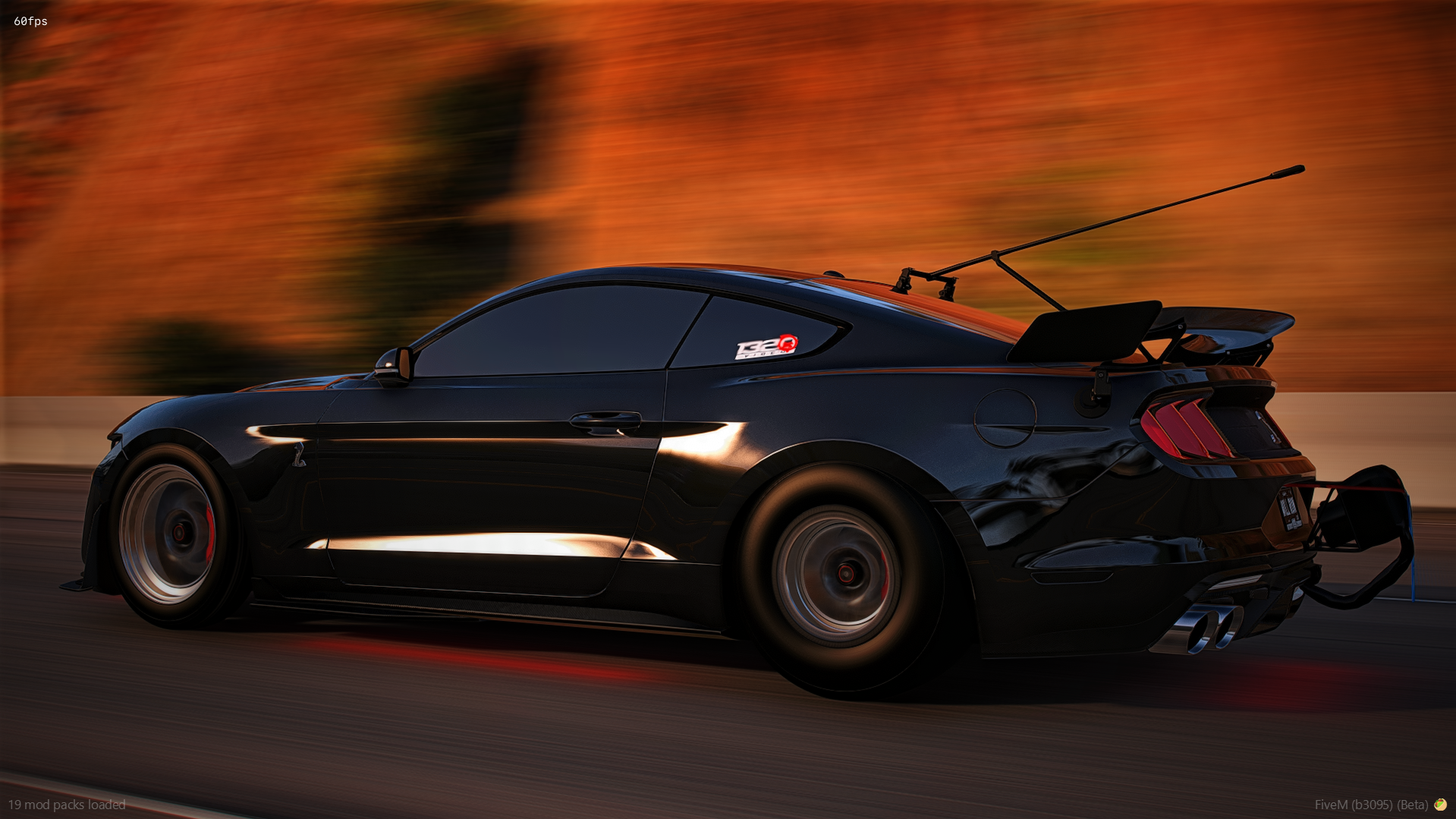
2019 Mustang GT500

$15

FEATURES

  • Animated roll down windows

  • Custom hellcat sound included with the file

  • 4 body kit options (Paint or carbon bumper, and paint or carbon roof)

  • Max extras (12)

  • 3 Spoiler options (not pictured)

  • Seats 4 players

  • Paint has metallic flake in it and is also a custom shade so all paint colors are darker allowing you to make sweet colors

  • Shoots massive flames

  • Drives amazing (fast but also handles great)

  • Super high quality textures (but also optimized to run great)

  • Moving air freshener

  • Carbon fiber all over

  • Exhaust shakes at idle and when revving

  • All interior gauges and screens light up at night

  • All lights are emissive and work as they should

  • Custom sound


EXTRAS

  • Roll cage

  • Subs in the trunk

  • Gap cam/360 Cam

  • Laptop on the roof

  • Roll cage

  • Nos tank

  • Parachute

  • Go pro on the front fender

  • Go pro on the rear fender

  • Sticker on the back glass

  • Stickers on the back windows

  • Spoiler 1/2/3


IN-GAME ACCESS ONLY!

Important Information

Terms of Use

Account

Navigation

Search

Search

Configure browser push notifications

Chrome (Android)
  1. Tap the lock icon next to the address bar.
  2. Tap Permissions → Notifications.
  3. Adjust your preference.
Chrome (Desktop)
  1. Click the padlock icon in the address bar.
  2. Select Site settings.
  3. Find Notifications and adjust your preference.