


Skip to content
View in the app

A better way to browse. Learn more.

South Carolina Network Roleplay

A full-screen app on your home screen with push notifications, badges and more.

To install this app on iOS and iPadOS
  1. Tap the Share icon in Safari
  2. Scroll the menu and tap Add to Home Screen.
  3. Tap Add in the top-right corner.
To install this app on Android
  1. Tap the 3-dot menu (⋮) in the top-right corner of the browser.
  2. Tap Add to Home screen or Install app.
  3. Confirm by tapping Install.
SCNRP Realistic roleplay • Professional community

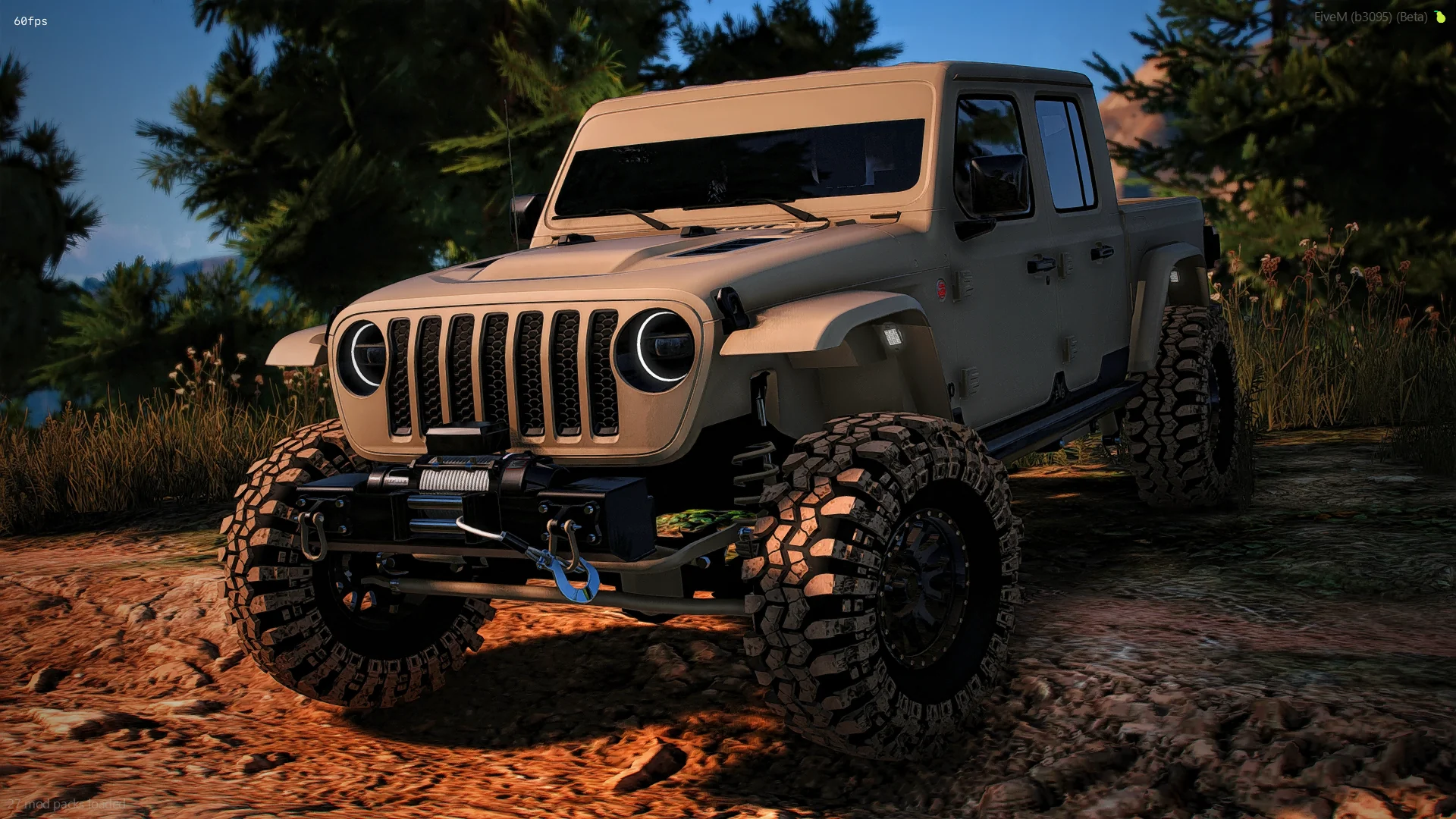
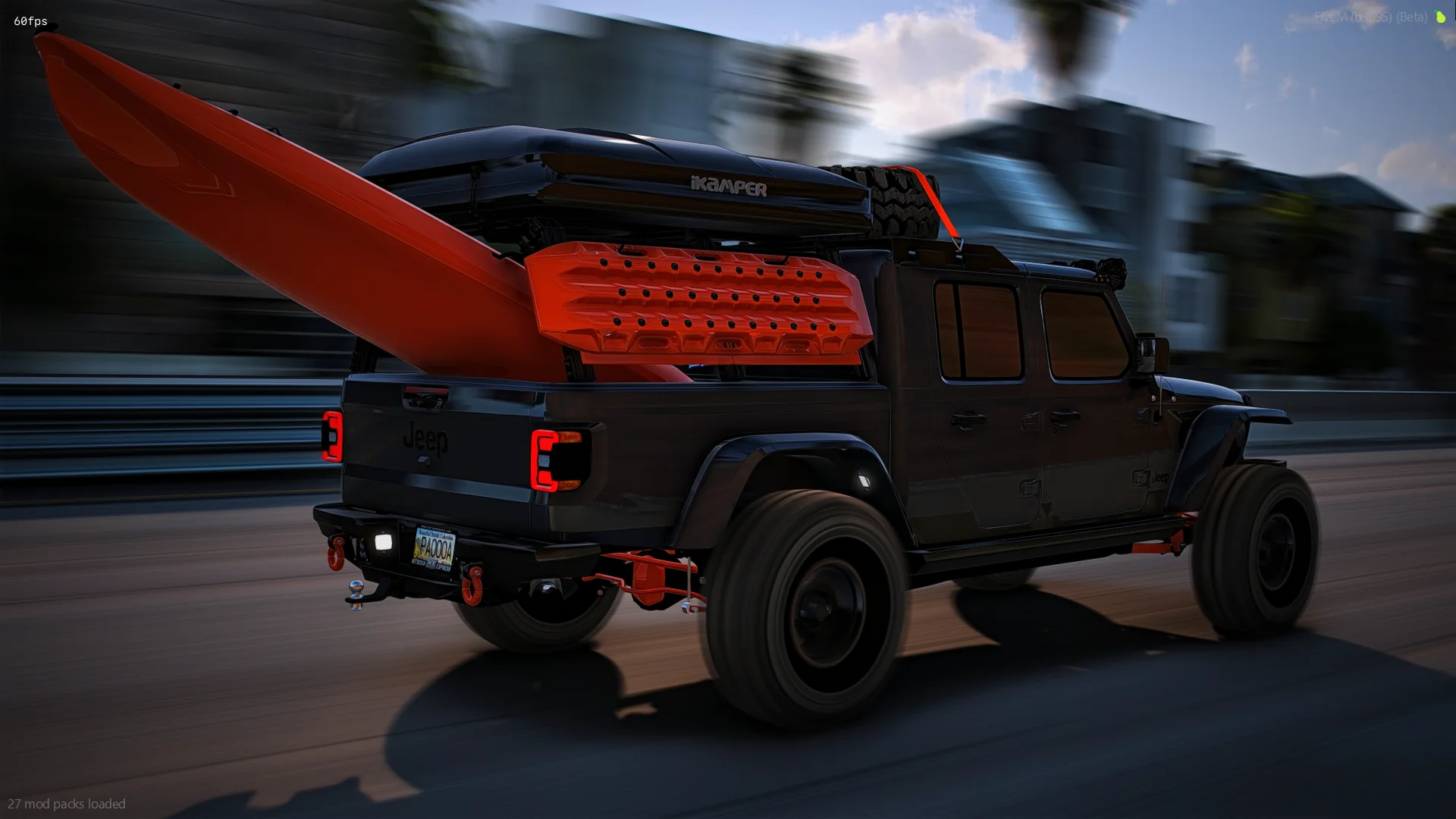
2020 Jeep Gladiator

$15

FEATURES

  • Spinning belt and fan

  • Moving air freshener and antenna

  • Custom supercharged demon engine sound included

  • All suspension flexes and pivots perfectly (its set up in 10 different parts to work as good as fivem allows it to)

  • Everything is removable

  • Roof comes off as an extra

  • Lots and lots of custom parts

  • Soft suspension for crawling/off-roading

  • ALL lights inside and out are emissive and work as they should (including the rigid cubes for backup lights and the ones by the hood)

  • 2 Front bumper options (light bars and cubes work)

  • 2 Front clip options (headlights work for both)

  • Bumper pull hitch

  • Highly detailed color changing interior

  • Exhaust shakes at idle and when revving

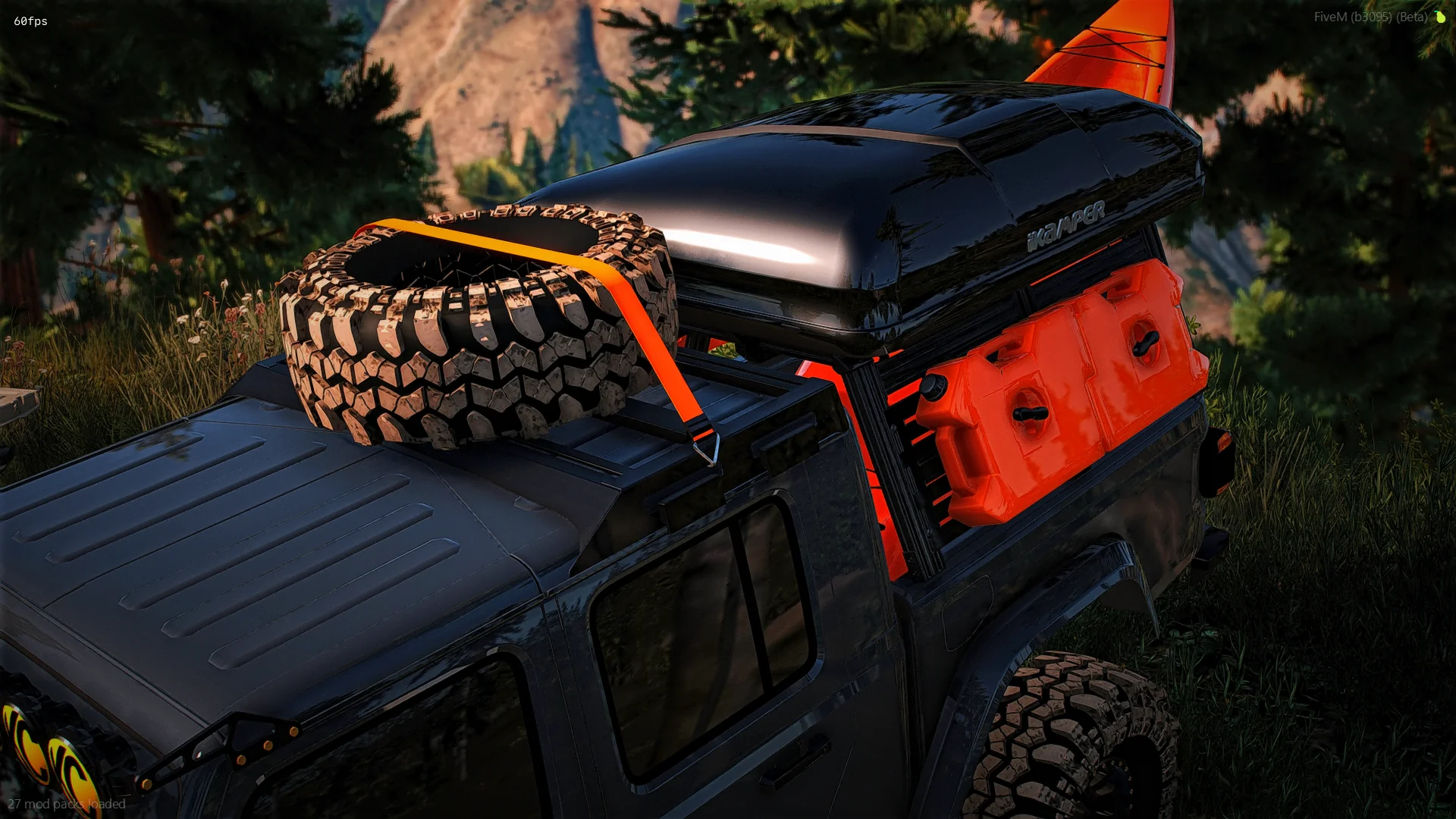
EXTRAS

  • Roof

  • Roof rack and spare tire

  • Sticker on back glass

  • KC lights across windshield

  • Rigid cubes and brackets by lower windshield

  • Yeti cooler in the back seat

  • Rock sliders/Side steps

  • Grill mesh inserts for stock grill

  • Tent on the bed rack

  • Red bull can in the cup holder

  • Painted windshield banner

  • Tuner on the dash

IN-GAME ACCESS ONLY!

Important Information

Terms of Use

Account

Navigation

Search

Search

Configure browser push notifications

Chrome (Android)
  1. Tap the lock icon next to the address bar.
  2. Tap Permissions → Notifications.
  3. Adjust your preference.
Chrome (Desktop)
  1. Click the padlock icon in the address bar.
  2. Select Site settings.
  3. Find Notifications and adjust your preference.