


Skip to content
View in the app

A better way to browse. Learn more.

South Carolina Network Roleplay

A full-screen app on your home screen with push notifications, badges and more.

To install this app on iOS and iPadOS
  1. Tap the Share icon in Safari
  2. Scroll the menu and tap Add to Home Screen.
  3. Tap Add in the top-right corner.
To install this app on Android
  1. Tap the 3-dot menu (⋮) in the top-right corner of the browser.
  2. Tap Add to Home screen or Install app.
  3. Confirm by tapping Install.
SCNRP Realistic roleplay • Professional community

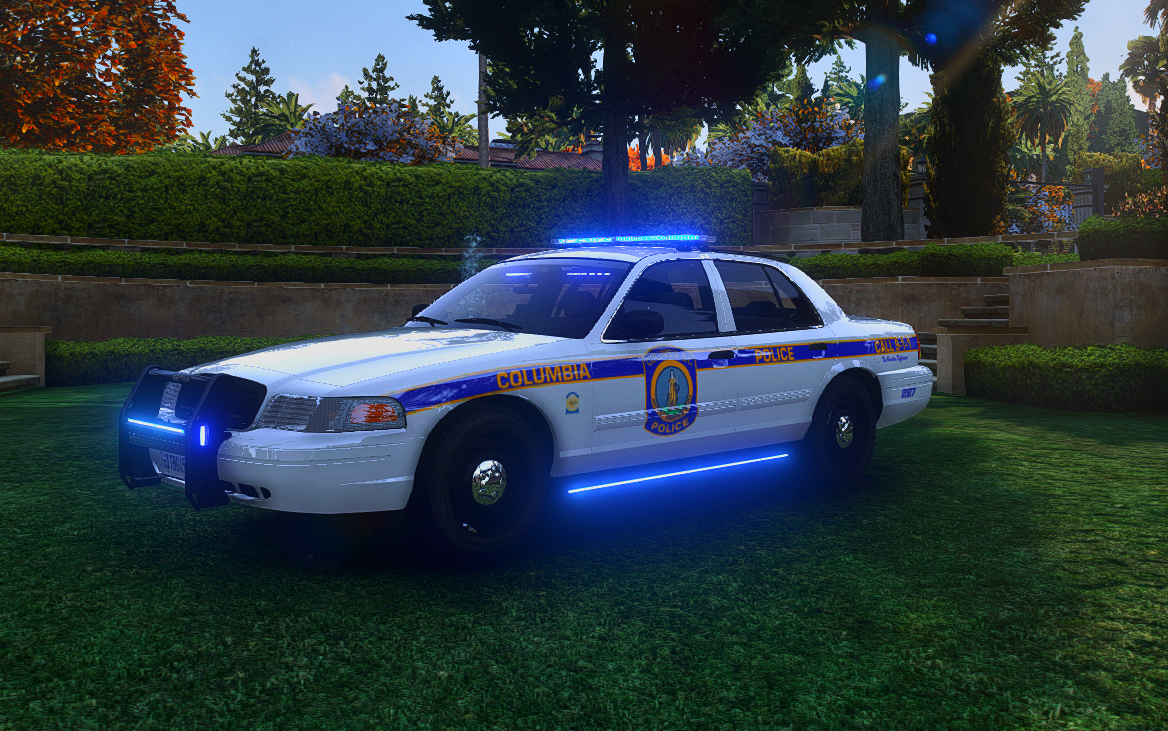
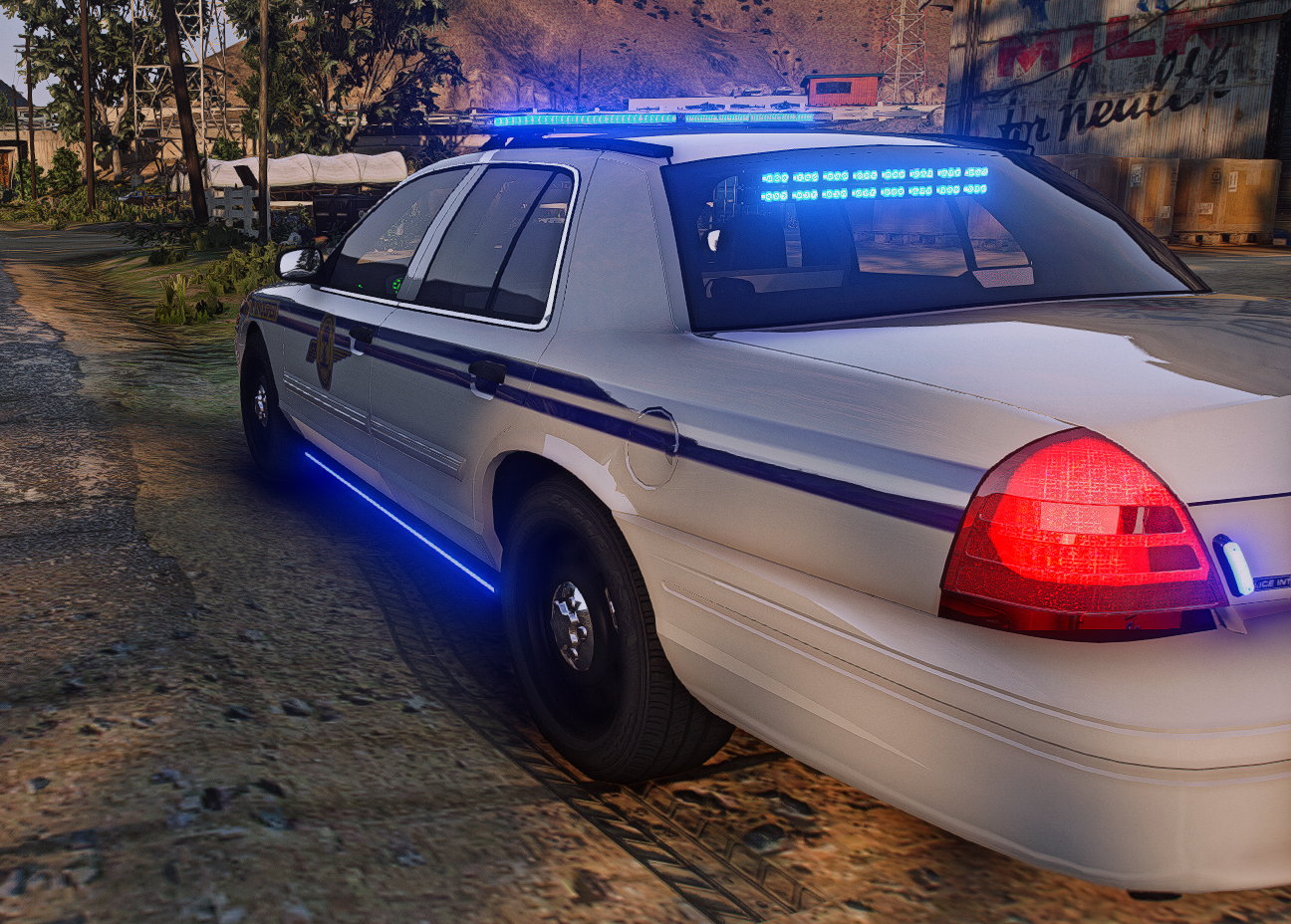
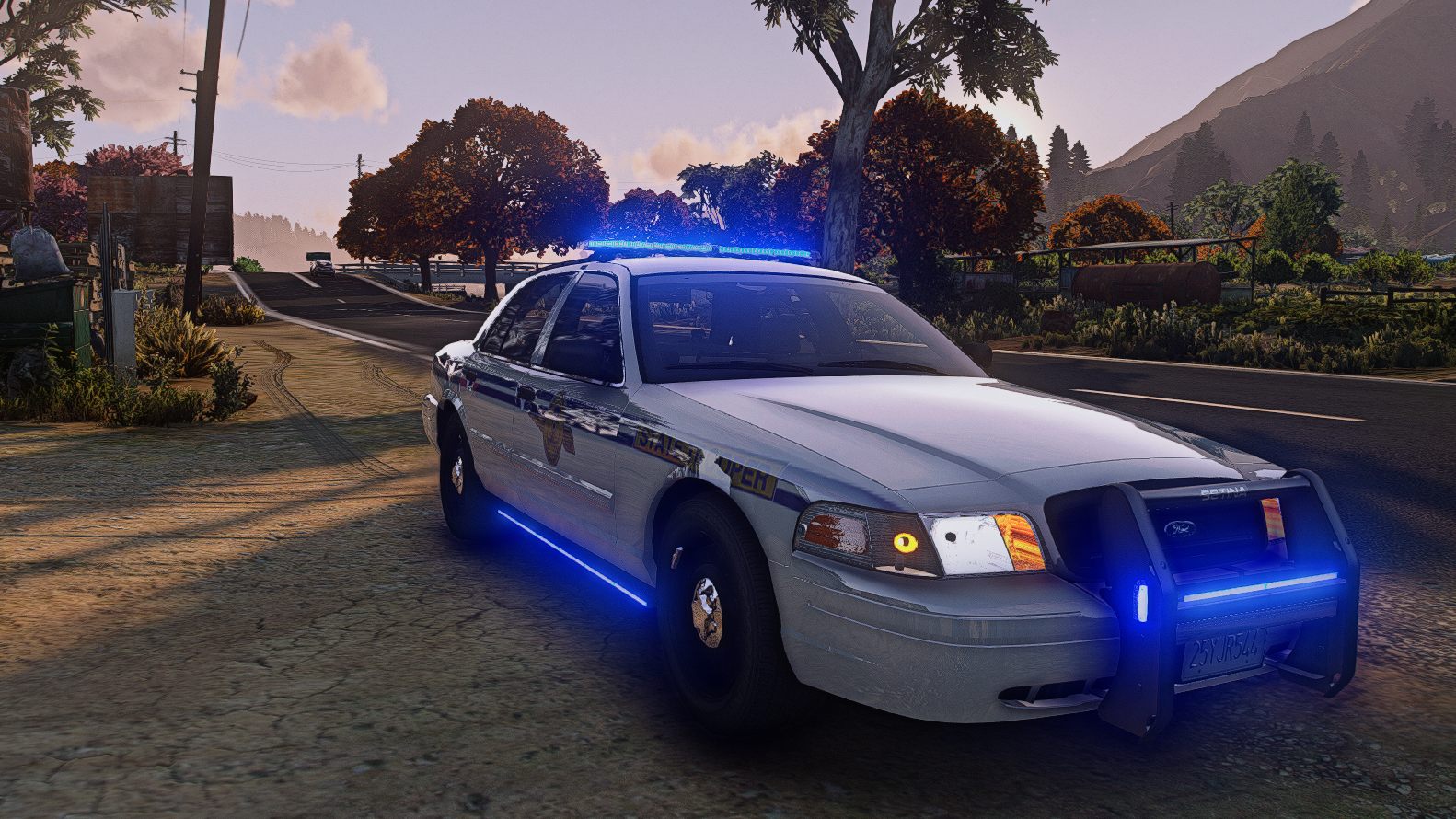
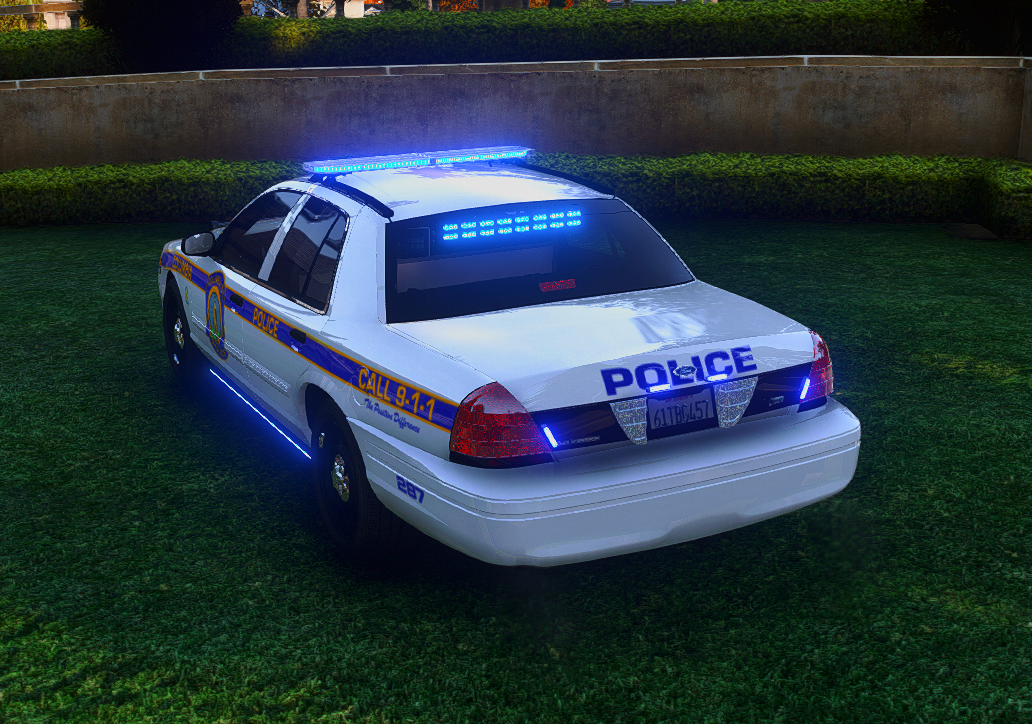
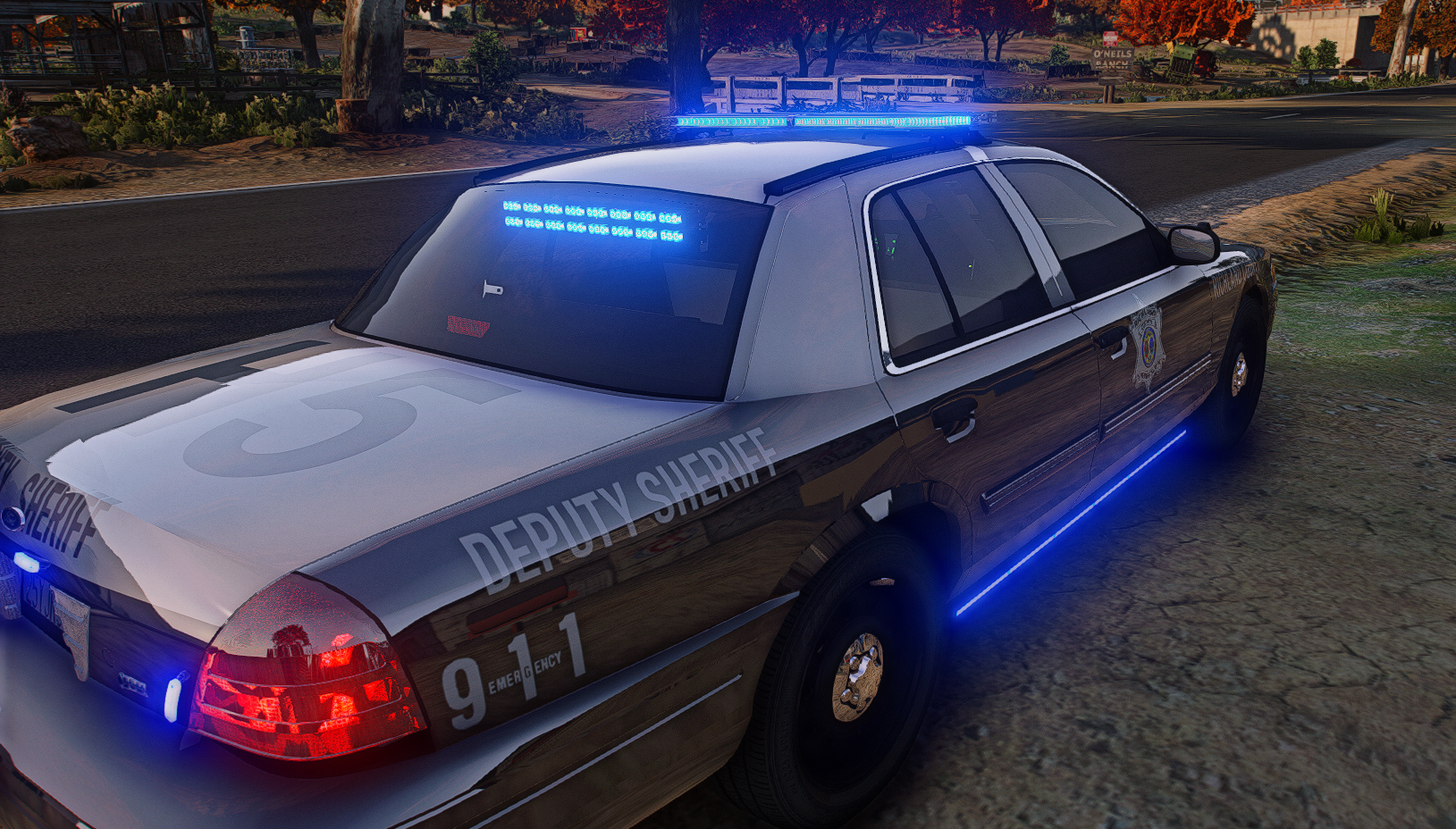
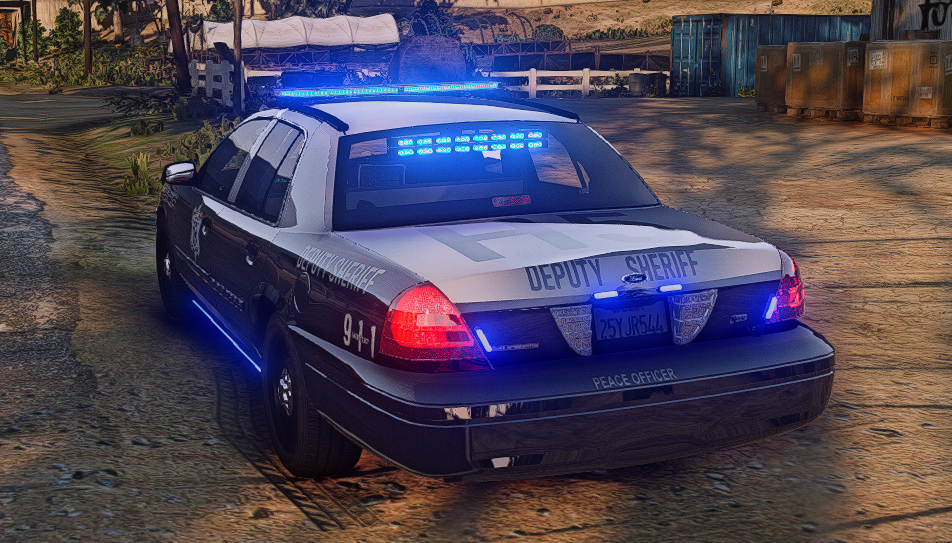
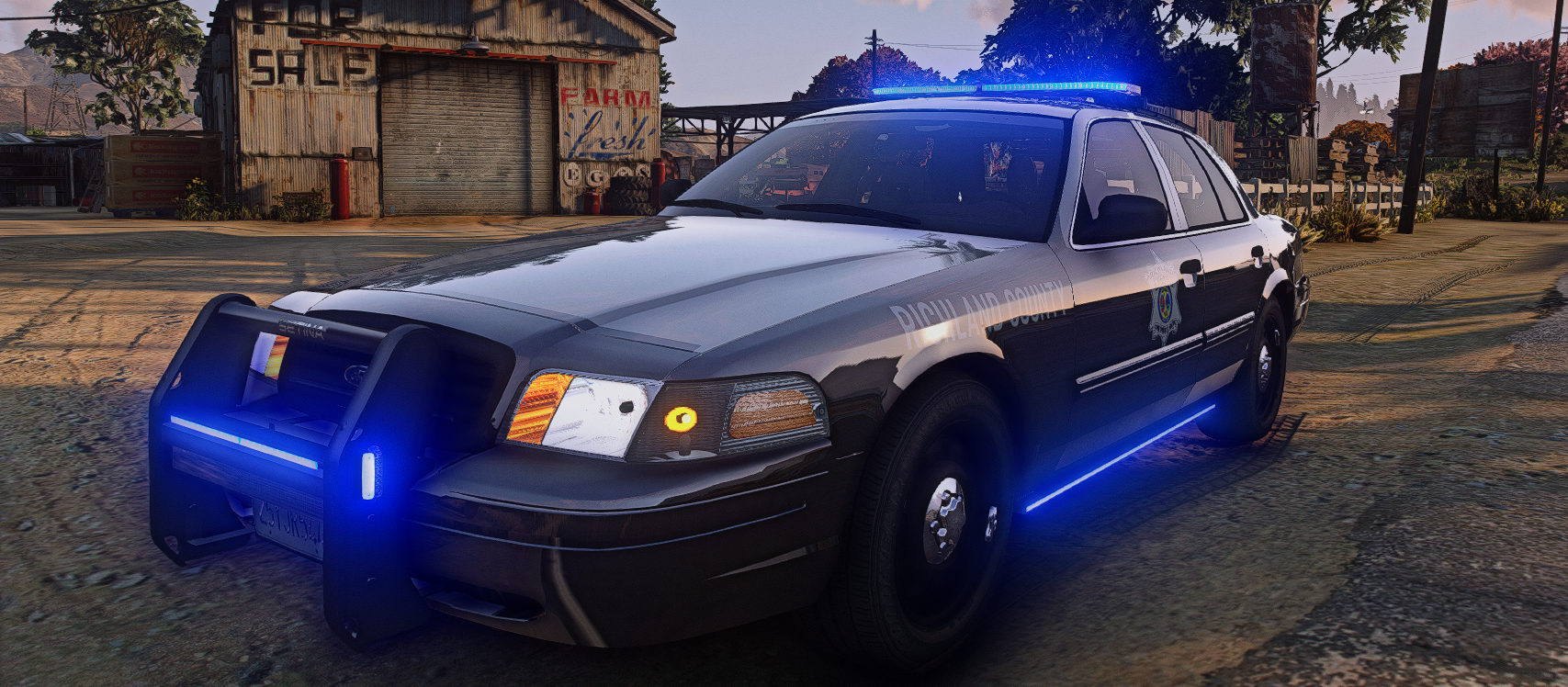
2008 Crown Victoria XMAS Tree Edition

$15

FEATURES

  • ULC

  • Steady Burn

  • SCHP Livery

  • RCSD Livery

  • CPD Livery

  • Unmarked Livery

EXTRAS

  • Lightbar

  • Visor Lights

  • Running Board Lights

  • Grill Lights

  • Push Bumper w/ Lights

  • Roof Runner Lights

DISCLAIMER | You only receive access to the vehicle in-game.

Important Information

Terms of Use

Account

Navigation

Search

Search

Configure browser push notifications

Chrome (Android)
  1. Tap the lock icon next to the address bar.
  2. Tap Permissions → Notifications.
  3. Adjust your preference.
Chrome (Desktop)
  1. Click the padlock icon in the address bar.
  2. Select Site settings.
  3. Find Notifications and adjust your preference.