
Skip to content
View in the app

A better way to browse. Learn more.

South Carolina Network Roleplay

A full-screen app on your home screen with push notifications, badges and more.

To install this app on iOS and iPadOS
  1. Tap the Share icon in Safari
  2. Scroll the menu and tap Add to Home Screen.
  3. Tap Add in the top-right corner.
To install this app on Android
  1. Tap the 3-dot menu (⋮) in the top-right corner of the browser.
  2. Tap Add to Home screen or Install app.
  3. Confirm by tapping Install.
SCNRP Realistic roleplay • Professional community

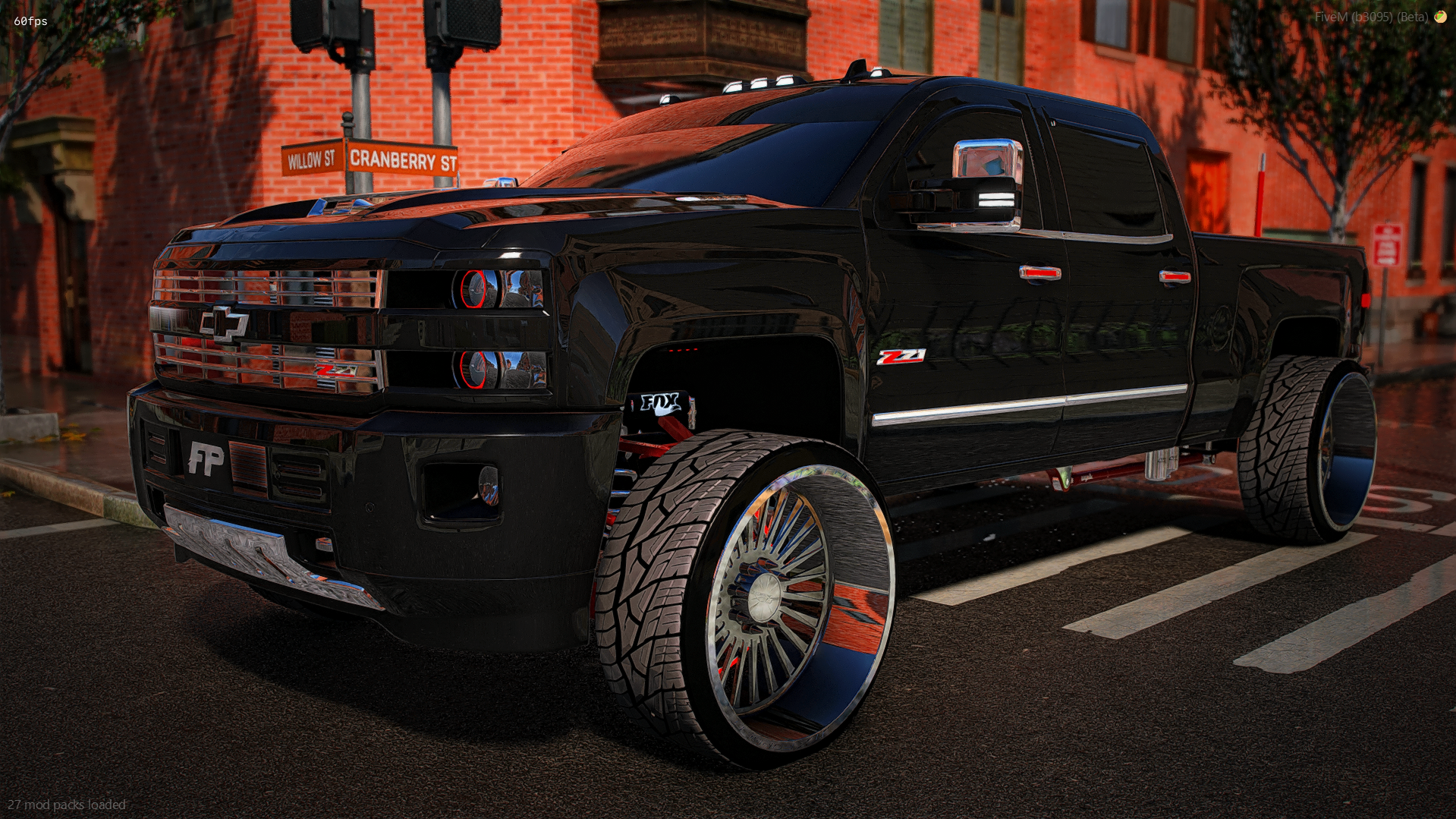
2018 Chevrolet Z71

$15

FEATURES

  • Animated roll down windows

  • Animated sliding back glass

  • 2 headlight options (halos and demon eyes)

  • 2 roof options (sunroof and no sunroof) and yes the headliner and all changes properly

  • Max extras (12) with more in body kits

  • Everything changes color and has lots of light up parts as extras (not pictured)

  • All suspension works as it should (front and back and pivots from track bars)

  • Multiple custom parts

  • 2022 interior swap (everything lights up properly)

  • Drives amazing

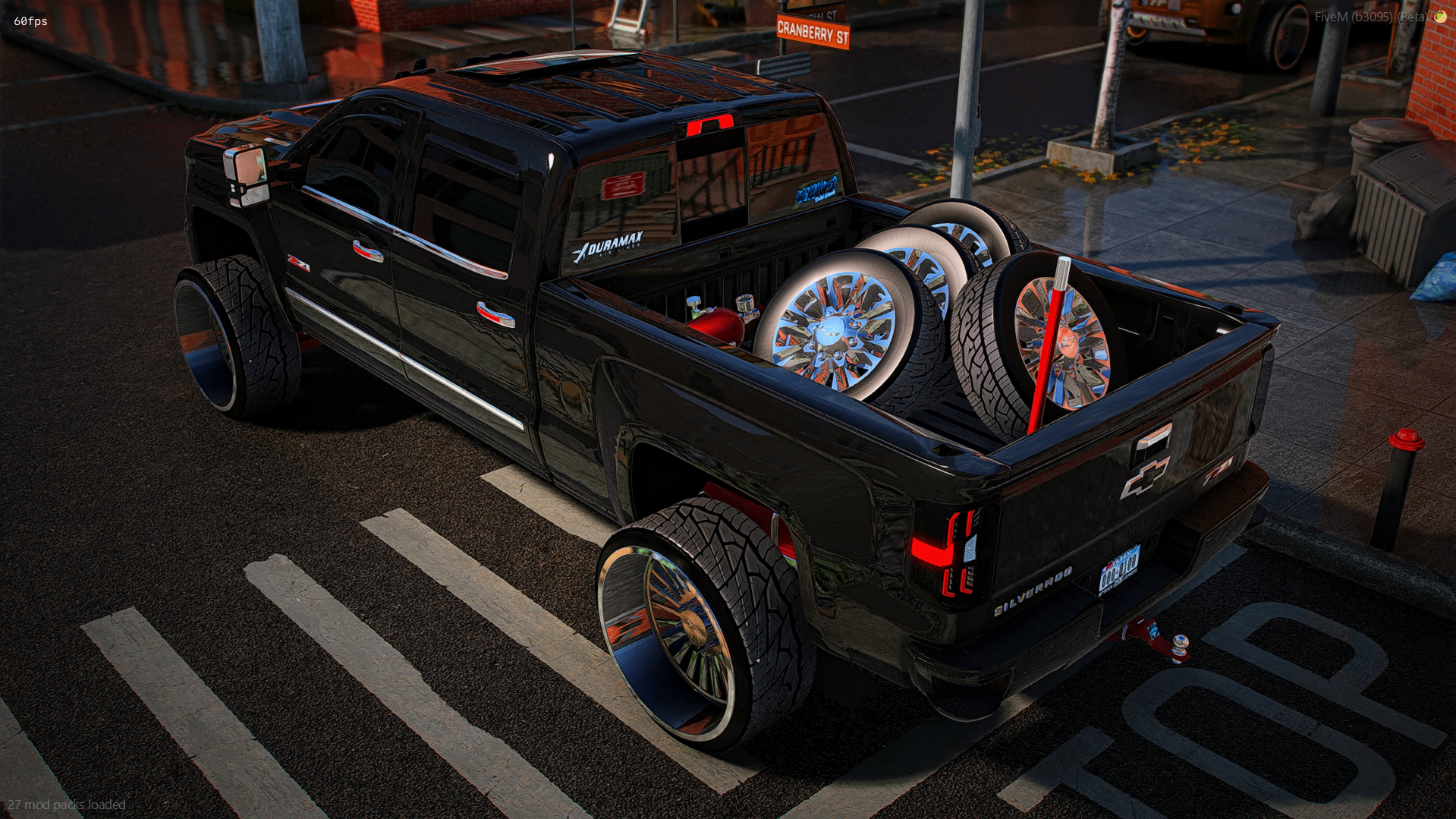
  • Bumper pull tow hitch

  • Everything is removable

  • Exhaust shakes at idle


EXTRAS

  • z71 badges on the doors

  • Chevy badge, silverado and z71 badge on the tailgate

  • Light up chevy emblems on the front and back (when removed there is still the normal emblems)

  • Both stickers on the back window

  • NOS tank in the bed (changes color)

  • FP front plate

  • Tuner

  • Apple carplay stereo (has a different one under it)

  • Painted window banner


IN-GAME ACCESS ONLY!

Important Information

Terms of Use

Account

Navigation

Search

Search

Configure browser push notifications

Chrome (Android)
  1. Tap the lock icon next to the address bar.
  2. Tap Permissions → Notifications.
  3. Adjust your preference.
Chrome (Desktop)
  1. Click the padlock icon in the address bar.
  2. Select Site settings.
  3. Find Notifications and adjust your preference.