


Skip to content
View in the app

A better way to browse. Learn more.

South Carolina Network Roleplay

A full-screen app on your home screen with push notifications, badges and more.

To install this app on iOS and iPadOS
  1. Tap the Share icon in Safari
  2. Scroll the menu and tap Add to Home Screen.
  3. Tap Add in the top-right corner.
To install this app on Android
  1. Tap the 3-dot menu (⋮) in the top-right corner of the browser.
  2. Tap Add to Home screen or Install app.
  3. Confirm by tapping Install.
SCNRP Realistic roleplay • Professional community

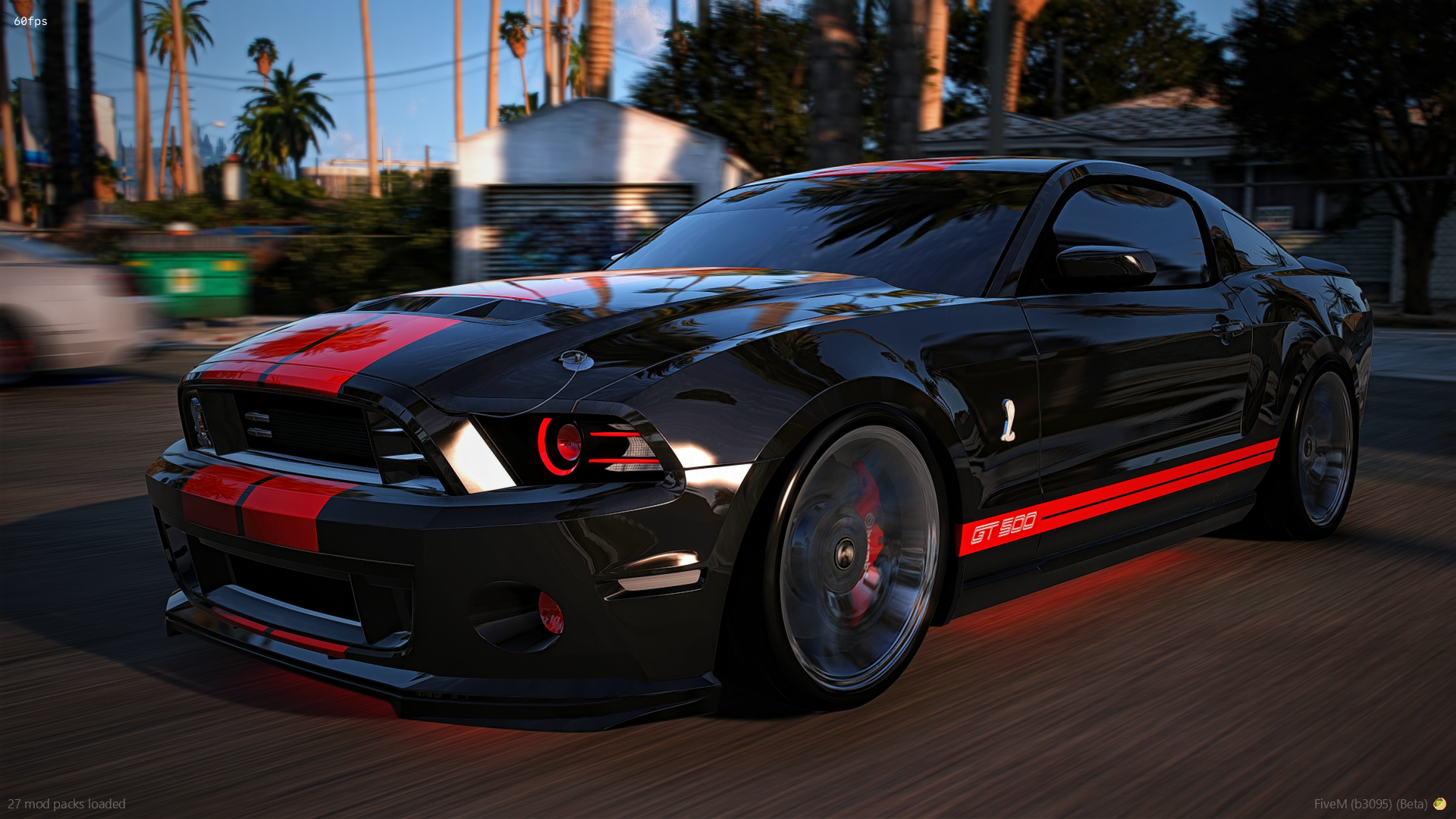
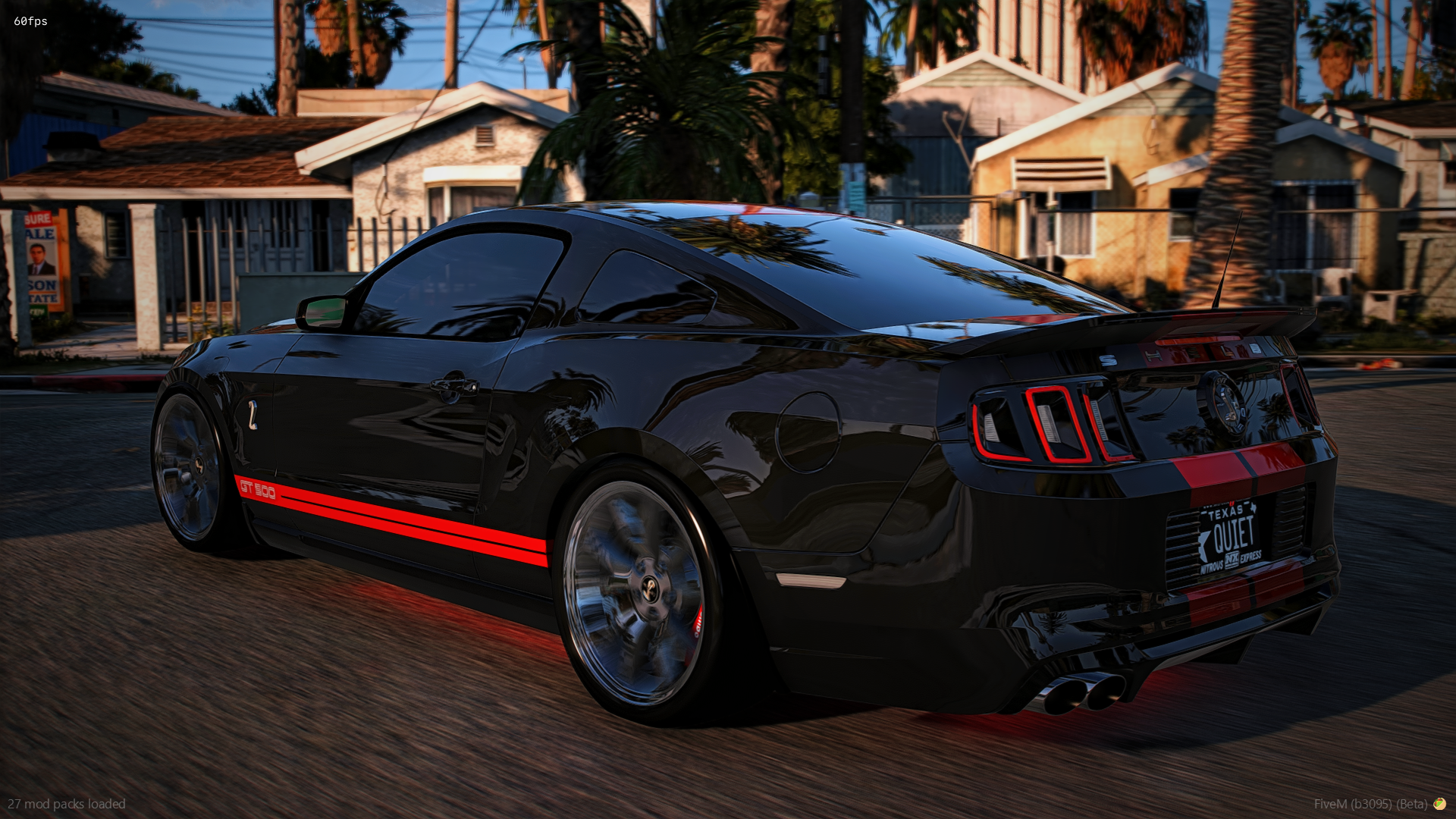
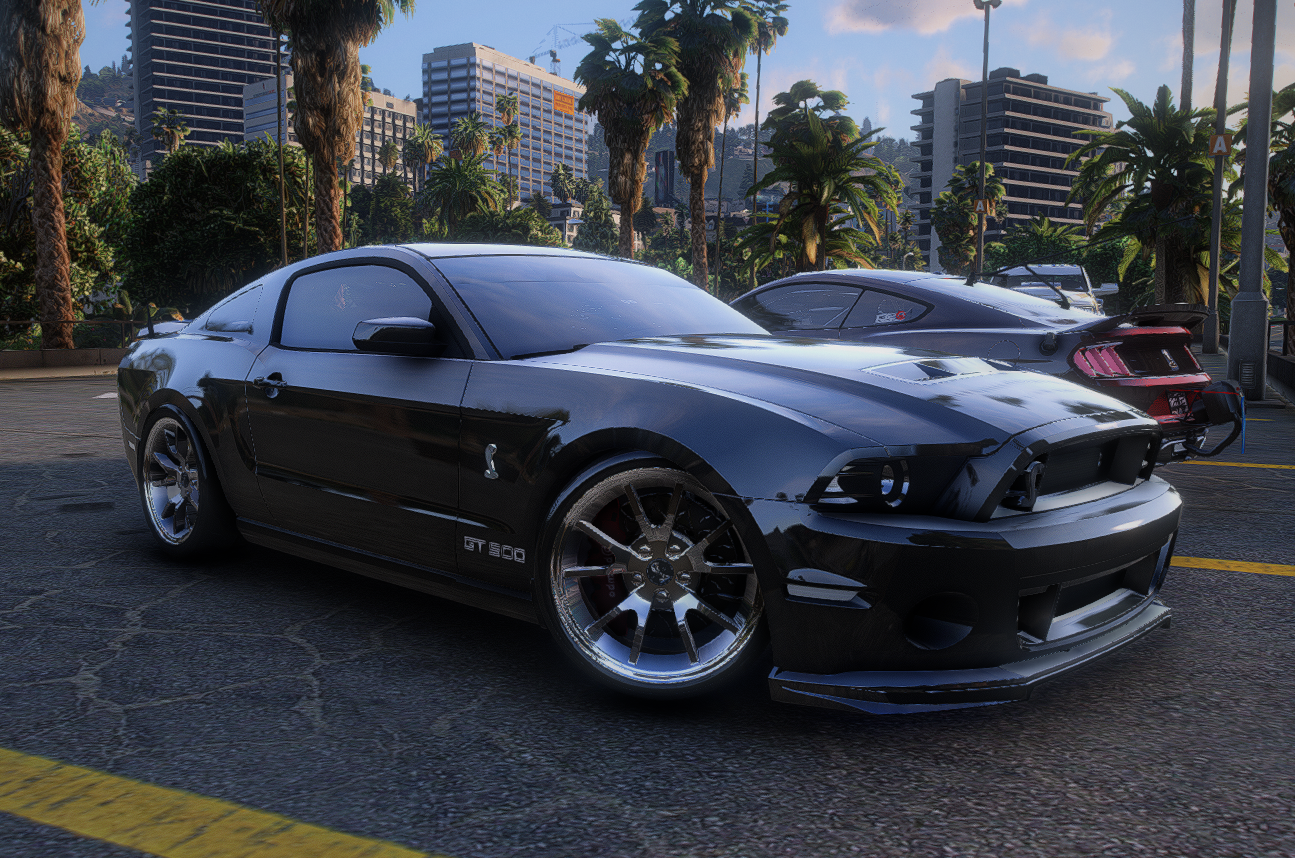
2014 Mustang GT500

$15

FEATURES

  • Animated roll down windows

  • Max extras (12)

  • Comes with a custom sound

  • Spinning belt

  • Everything is removable and color changeable

  • 2 Different tail light options

  • Drives fast, drifts and hauls ass!

  • All interior buttons and gauges light up as they should


EXTRAS

  • Halo headlights

  • Hood pins

  • Painted sun visor

  • Black sun visor

  • Roll cage

  • Star light

  • GT500 stickers on the fenders

  • Radar detector

  • Subs in the trunk

  • The rest of the tail lights (says "LOL RUN" with this extra off

  • Quiet license plate

  • Nathans build shack sticker on the back window


IN-GAME ACCESS ONLY!

Important Information

Terms of Use

Account

Navigation

Search

Search

Configure browser push notifications

Chrome (Android)
  1. Tap the lock icon next to the address bar.
  2. Tap Permissions → Notifications.
  3. Adjust your preference.
Chrome (Desktop)
  1. Click the padlock icon in the address bar.
  2. Select Site settings.
  3. Find Notifications and adjust your preference.